
Start with the available interval
Choose a few days, one week, two weeks, one month or a season. Time bands guide each option rather than allocate a complete schedule.
Give the time between adventures a purpose.
Offer training, research, work, contacts and other optional activities with requirements, cost guidance, risks and possible outcomes. Review the plan and let the characters choose what matters.
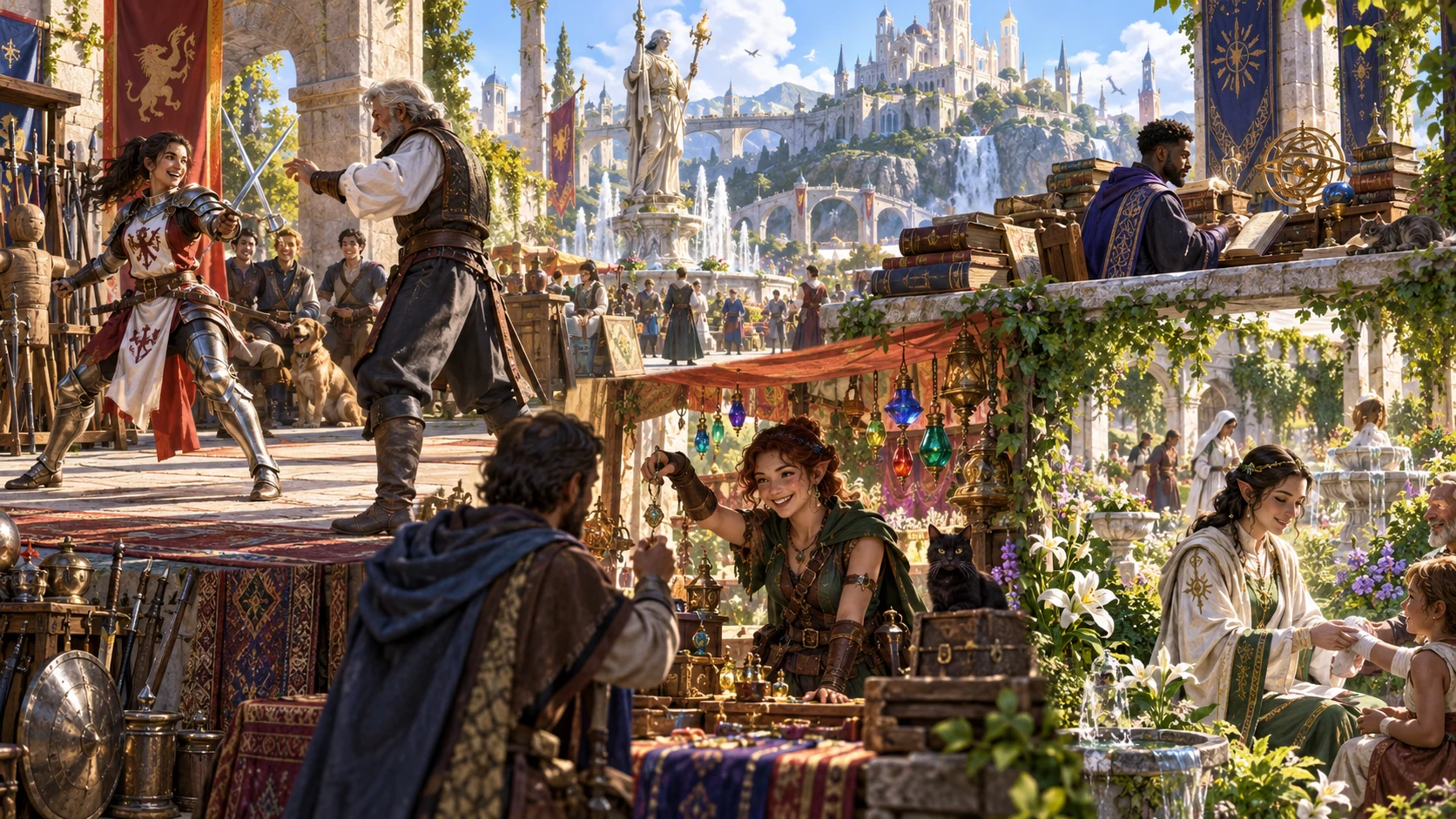
Between adventures
Use authored opportunities as a starting point for the quieter part of your campaign.
Choose a few days, one week, two weeks, one month or a season. Time bands guide each option rather than allocate a complete schedule.
Choose primary and secondary interests, or a balanced mix. Offer three, four, five or six activities and decide which suit the people and setting in play.
Read requirements, qualitative costs, benefits, risks, complications and outcomes before choosing an activity. Exact checks, prices and rewards remain for your table.
Choose, combine or ignore the options. Generating a plan does not commit a character, award a reward or automatically apply an outcome.
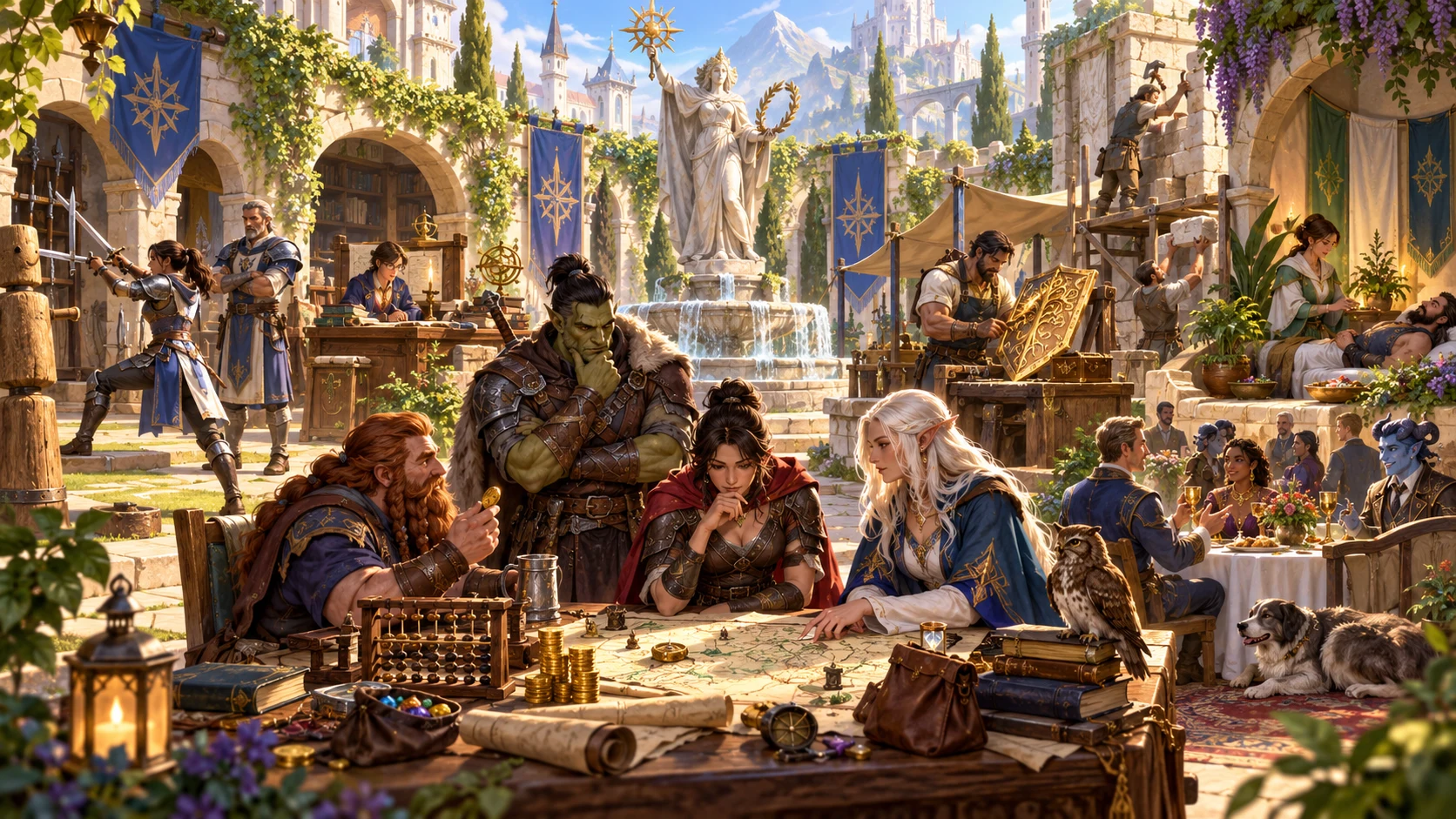
Choose meaningful opportunities
Select interests and review the cost, time and risk of each option.
This artwork illustrates fantasy downtime choices, not an application screen.
From a break to a set of options
Quick and Deep share the same complete plan structure, with more controls visible in Deep.
Choose duration, primary and secondary interests, and activity count. Quick keeps these controls close together while retaining any existing Deep settings.
Deep exposes location, resources, risk and complication intensity. Character context is retained as reference; campaign context also appears on the player sheet.
Read the activity options, resource guidance, milestones, random event and DM notes. Adapt the authored stories and qualitative guidance to your campaign.
Edit and refine the result, manually Save to your account, and review the player sheet before copying, downloading or printing it.
What the tool provides
Eight capabilities support planning, selective refinement, account reference and reviewed sharing.
Quick shows duration, primary and secondary interests, and activity count. Deep adds location, resources, risk, complications and reference context. Both produce a complete plan.
Choose the activity count and interests you want to prioritise. Review training, research, work, social, property, business, crafting, recovery, contacts, reputation, projects or events.
Each activity includes requirements, a time band, cost guidance and a potential benefit. Agree exact prices, checks, overlap and rewards with your DM.
Review a complication, contact, rumour or opportunity, success, partial and setback outcomes, and an optional follow-up for each activity.
Reroll activities, complications, contacts, long-project milestones or the random event. Lock a group to prevent its own reroll and review the combined plan.
Edit the plan’s JSON, undo or redo recent result changes, and compare five summary fields with a saved plan. Review the DM record and player sheet together.
Save through the existing DCC account session. Search saved plans, attach tags and notes, create variants, and reopen up to ten prior result snapshots.
Review the player sheet, then copy or download the selected JSON view. Select the player view before printing its sheet; private DM notes are separate.
A range of character interests
Specialist presets prepare interest controls. They retain other settings, and the stories come from a finite collection of authored templates.
Offer practice, a research lead or a crafting opportunity with requirements and a bounded next step. Crafting activities do not create items or supply recipes.
Consider employment, a modest venture or property upkeep. Costs are qualitative guidance, with possible benefits and setbacks rather than an exact economy or profit guarantee.
Provide introductions, useful service or a local trust-building opportunity. Contact names and roles support the activity without creating a full NPC or automatic reputation score.
Offer a protected rest interval, a reviewable project milestone or a disruption to consider. Recovery is fictional narrative support, and the tool does not simulate the entire campaign.

Bring the party back together
Review outcomes and follow-up hooks with the people playing the characters.
This illustration shows a fantasy reunion, not generated application output.
Refine a useful plan
Five groups provide scoped rerolls, alongside structured editing and recent result undo and redo.
Protect activities, complications, contacts, long-project milestones or the random event from that group’s button. Other groups can change overlapping fields, and full generation replaces the plan regardless of locks.
Scoped rerolls preserve other sections. Changed controls can leave metadata or text needing reconciliation with new activity fields. The separate milestone and random-event panels use fixed guidance and may not change on reroll.
Edit JSON and maintain both the full record and player sheet. Save checks required structure, flags and selected prohibited terms; it does not guarantee narrative consistency or detect every secret.
Undo or redo recent result changes while the window remains open. Compare title, duration, location, activity count and risk with a saved plan. The seed uses an internal counter, so it alone does not replay a result.
Account reference and audience review
The existing DCC session connects manual saves to your VISINVOKE account.
Save the current plan with tags and notes. The same seed-based ID updates that record and retains up to ten prior result snapshots. There is no autosave or offline fallback.
Open restores the result and locks while retaining current generation controls. Prior results use the record’s current tags and notes. Search the library or duplicate a plan; there is no import, delete or archive control.
The player sheet excludes generated private DM notes, but includes campaign context, risks, complications, rumours and possible outcomes. Keep secrets out of campaign context and review the sheet before sharing.
Copy or download the selected result. Select player view before printing; full DM dossier printing is not supported. There is no direct Combat PRO handoff, encounter creation or live state change.
Choose access for your toolkit
Downtime Generator is a paid standalone tool. Create a free account first, then review your selection and subscription.
Select Downtime Generator individually. Creating a free account does not by itself include paid generator access.
Choose a five-generator pack for other eligible standalone tools alongside this one. It provides selection capacity, not automatic access to every VISINVOKE product.
Review larger selected-generator packs in your account. Check the generators, subscription and reselection terms before choosing your toolkit.
Combat PRO, Battlemaps and image systems have their own access models. Standalone generator subscriptions do not include image or animation credits.
Offer useful activity beyond the next encounter without making every opportunity compulsory.
Agree exact costs, checks and outcomes yourself, using the plan as a starting point.
Start Here and How Do I help cover creation, scoped refinement, player views and account saving.
Save deliberately and reopen the record when you want the agreed version again.
Build your tabletop toolkit
Each card opens that product’s website. Review purpose and access separately; related products do not promise included access or automatic synchronisation.
Discover and open your supported Windows products through one connected VISINVOKE account.

Explore environment packs for tactical locations and the places your encounters unfold.
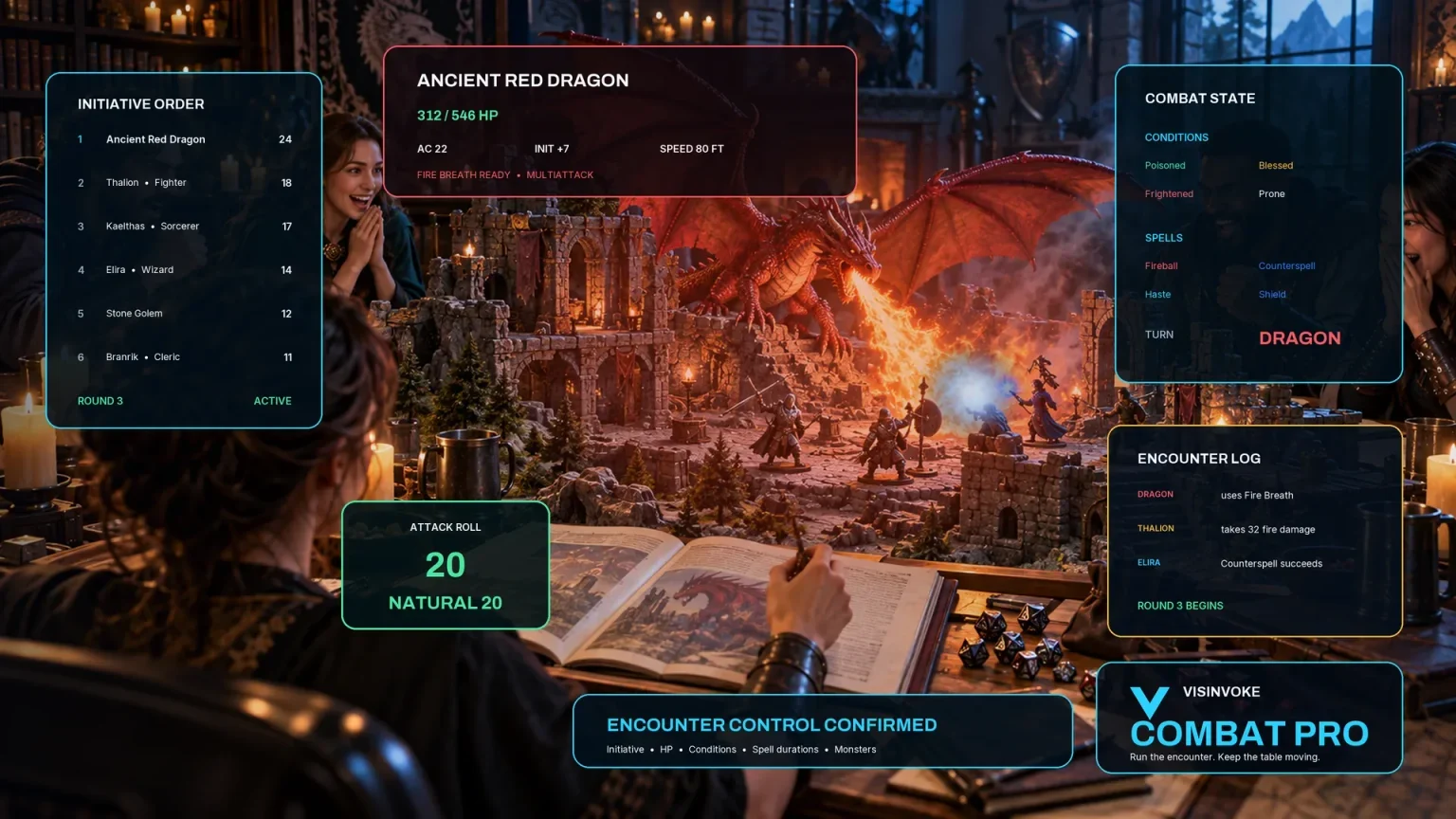
Review prepared opposition, tune creature statistics and run tabletop encounters with its own access.
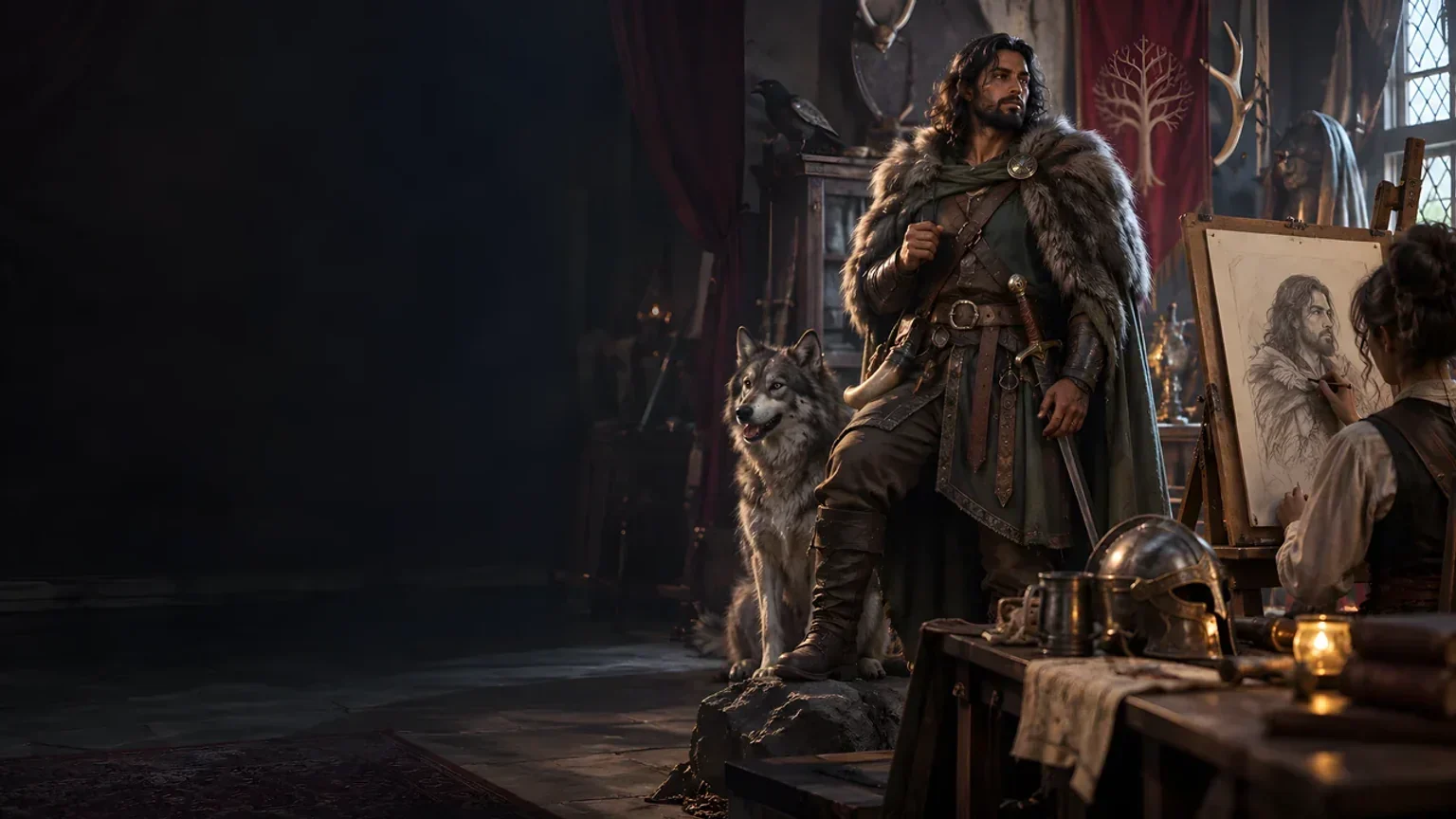
Create focused character, monster, item and location images to complement your tabletop preparation.

Create guided commercial visuals for websites, brochures and wider creative projects.

Explore a separate futuristic RPG experience with its own world, characters and progression.
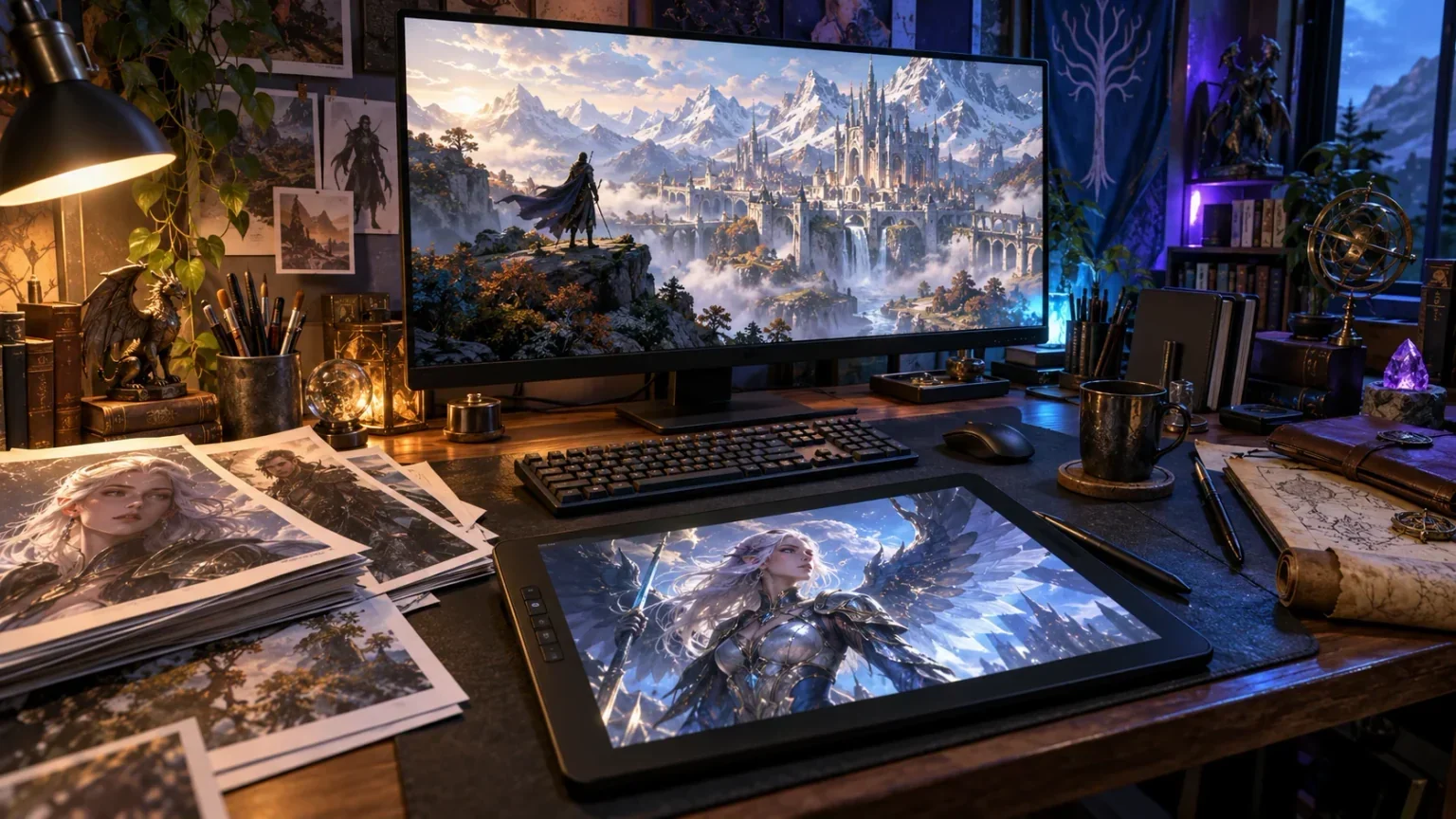
Product artwork illustrates fantasy downtime activities and character choices, not application screens or actual generated image output.
Quick answers
Understand the authored material, audience boundaries and saving behaviour before opening the tool.
Quick shows duration, primary and secondary interests, and activity count. Deep also exposes location, resource band, risk, complication intensity, character and campaign context, and specialist presets. Both use the same generation structure. Quick retains previously selected Deep values, and presets adjust only their named controls. Character context is reference text; campaign context also appears on the player option sheet. Neither is analysed to create bespoke activity stories or avoid unwanted subjects.
No. Activities use authored templates with requirements, time bands, qualitative costs and possible outcomes. Location and resources supply reference labels; risk and complication controls adjust guidance. The activities are optional alternatives, not an automatically scheduled commitment. Agree overlapping work, exact prices, checks, rewards and consequences at the table. It does not simulate markets, award XP, generate crafting recipes, guarantee recovery or automatically advance campaign time.
A group lock prevents rerolling that group itself. Other groups can touch overlapping activity fields, and full generation replaces the plan regardless of locks. Scoped rerolls keep other sections while replacing selected fields, so changed controls can leave retained metadata or activity text needing review. Long-project milestones and the separate random-event panel use fixed guidance and may remain unchanged. The visible seed works with an internal generation counter; entering the seed alone does not replay an exact result. Reopen a saved plan to recover that record.
It omits the generated private DM context and each activity’s private DM notes. It includes campaign context, risks, complications, rumours or opportunities and possible outcomes. Keep secrets out of campaign context and review the whole sheet before sharing. Structured edits require you to maintain the separate player fields yourself. Save validation checks required structure, flags and selected prohibited terms; it does not understand every secret or guarantee that edited or rerolled sections are semantically consistent.
Save manually writes the library through your existing DCC session. Saving the same seed-based plan ID replaces its current record and retains up to ten earlier result snapshots. Tags and notes belong to the current record, so prior results open with current tags and notes. Open restores the result and locks, but not the generation form, seed or internal counter. There is no autosave, offline fallback, import, delete or archive control. Account saves are whole-library updates, so avoid conflicting edits in several windows.
Copy and Download structured JSON use the selected full DM plan or player option sheet. They export one result, not the entire account library, and there is no import control. Select the player option sheet before printing: the print layout hides the full DM dossier, and setup content can remain. Downtime Generator has no direct Combat PRO handoff and does not create encounters, reserve slots or alter live character or combat state. Apply the chosen activity outcomes yourself.
Continue in VISINVOKE
Create a free VISINVOKE account and choose the required generator access.
Get Desktop Command Centre from your account installer page. Sign in on Windows, then open Downtime Generator.